 Jellyboxd
Everything you love about streaming, on your own server
Jellyboxd brings the movies and TV shows on your Jellyfin server to iPhone with a clean, immersive design.
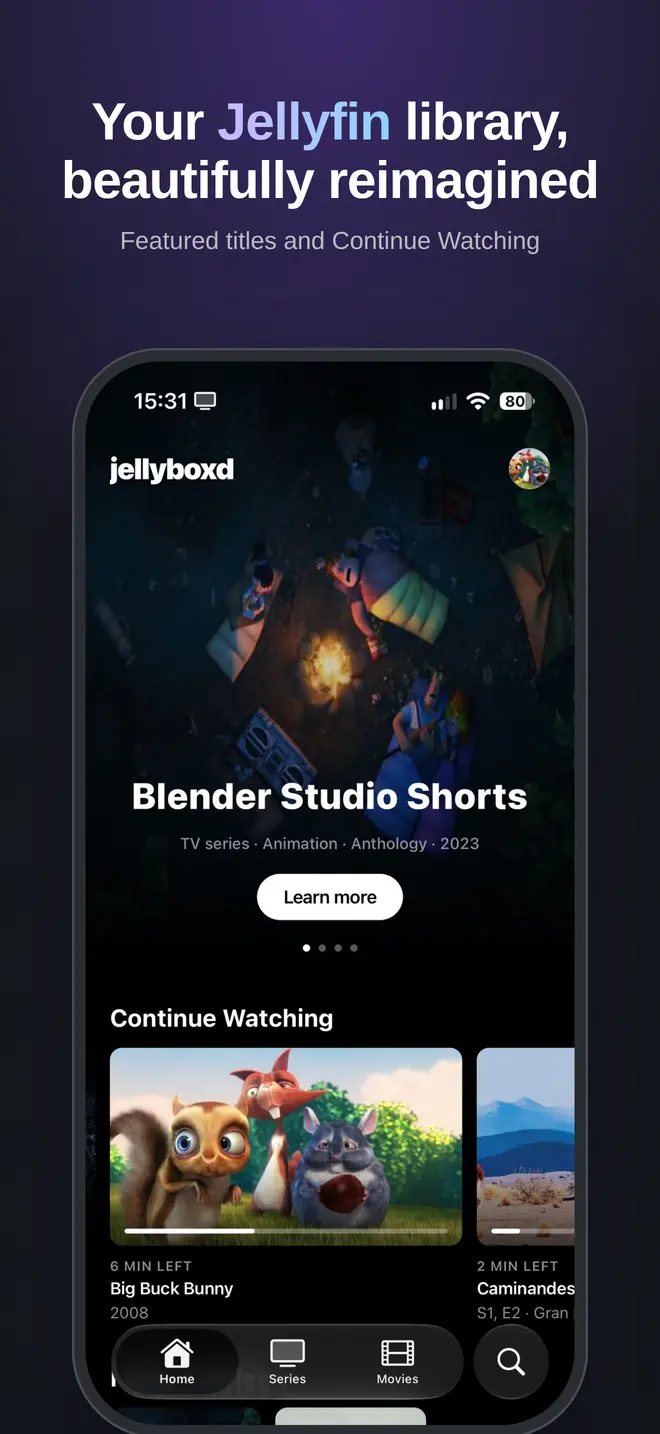
Featured titles and Continue Watching
A home screen that puts your library in the spotlight and picks up exactly where you left off.
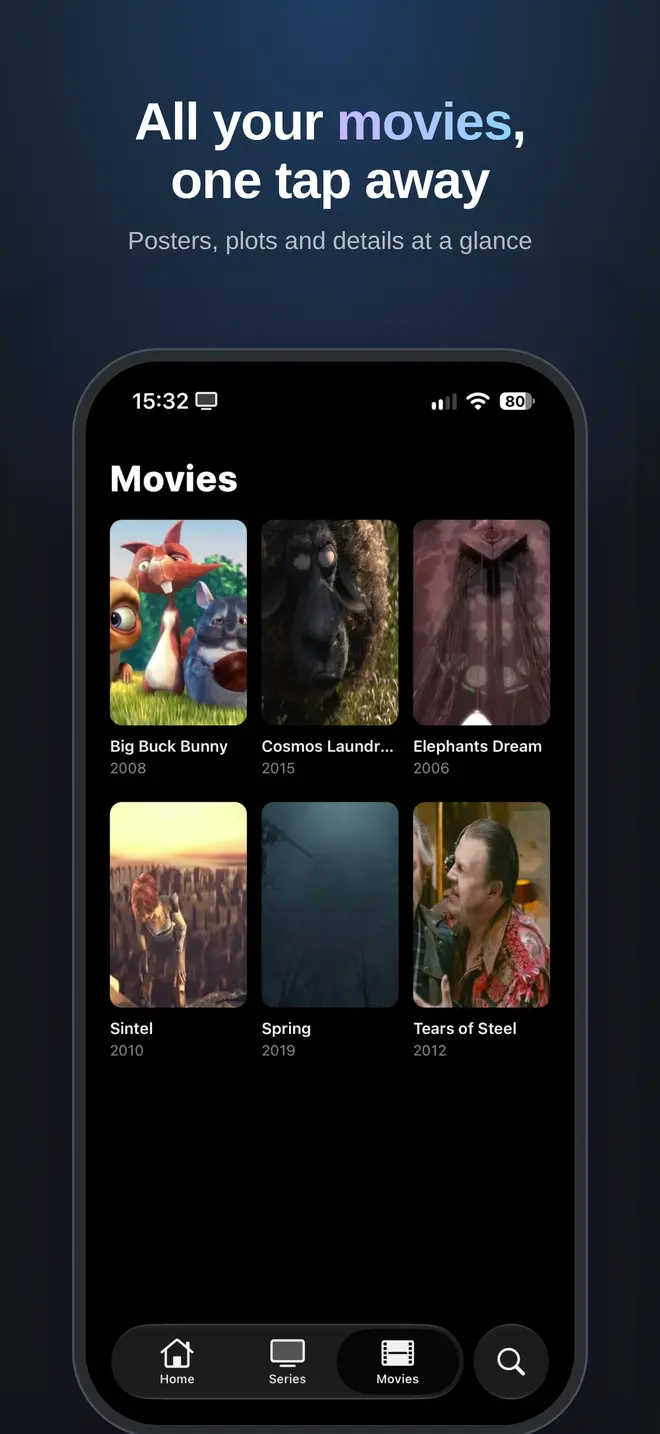
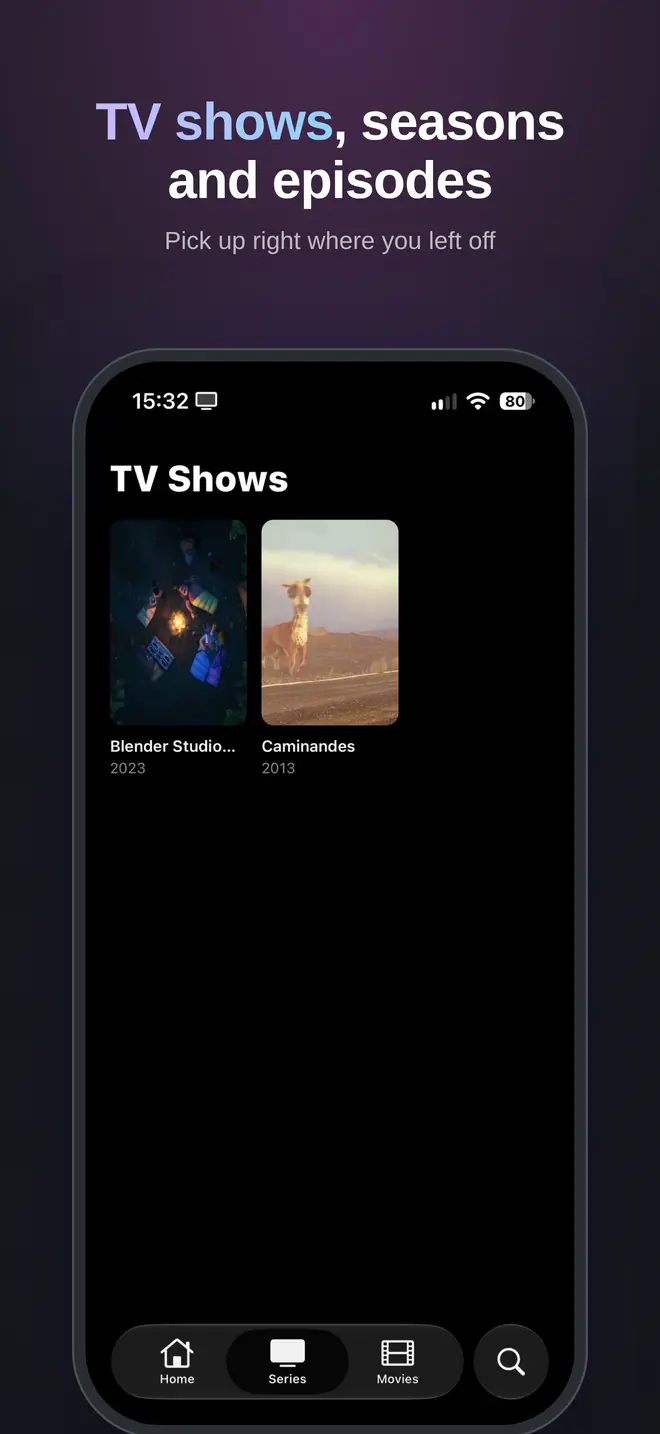
Movies, series and episodes
Posters, plots, seasons and episode details at a glance, in big, beautiful artwork.
Fast search
Find any movie, show or episode across your whole library in a moment.
Native playback
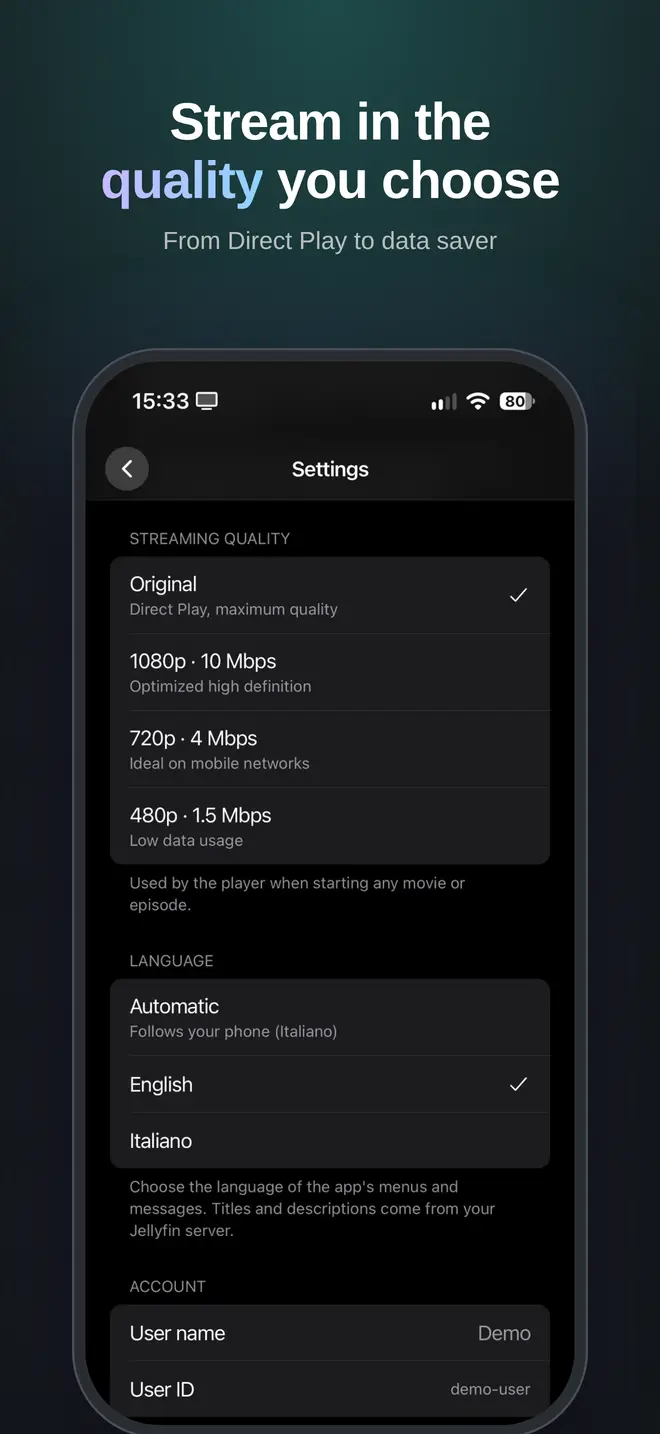
The iOS player with Picture in Picture and background audio, plus selectable streaming quality to save data.
Multiple servers and accounts
Save several Jellyfin servers and users and switch between them instantly.
Private by design
No analytics, no ads, no tracking. Credentials stay in your iPhone's Keychain.
Take a look
Screens shown with open source films from the Blender Foundation.
How it works
Jellyboxd is a client: your movies and shows stay on your Jellyfin server.
- Download Jellyboxd from the App Store.
- Enter your Jellyfin server address, for example
http://192.168.1.10:8096orhttps://jellyfin.example.com. - Sign in with your Jellyfin user and start watching.
Frequently asked questions
What is Jellyboxd?
Jellyboxd is an iPhone app that connects to your own Jellyfin media server and presents your movies and TV shows with a cinematic design: big artwork, featured titles, Continue Watching and native playback with Picture in Picture.
Do I need a Jellyfin server to use Jellyboxd?
Yes. Jellyboxd does not provide any content. You need your own Jellyfin server, for example on a computer or NAS at home, or an account on a server someone shares with you.
Is Jellyboxd free?
Yes. Jellyboxd is free to download on the App Store, with no ads and no in-app purchases.
Which devices does Jellyboxd support?
Jellyboxd is available for iPhone. There is currently no iPad, Apple TV or Android version.
Can I watch my Jellyfin library away from home?
Yes, if your Jellyfin server is reachable from the internet, for example through an https address or a VPN. At home you can also connect using the server's local IP address, such as http://192.168.1.10:8096.
Does Jellyboxd support Picture in Picture and background audio?
Yes. Playback uses the native iOS player, so videos keep playing in Picture in Picture and audio continues when the app is in the background or the screen is locked.
Does Jellyboxd collect my data?
No. There are no analytics, ads, tracking or Jellyboxd accounts. Your server address and credentials are stored in the iOS Keychain on your device and are sent only to the Jellyfin server you choose.
Is Jellyboxd the official Jellyfin app?
No. Jellyboxd is an independent third-party client and is not affiliated with or endorsed by the Jellyfin project. It works with standard Jellyfin servers.
Can I use more than one server or account?
Yes. You can save multiple Jellyfin servers and accounts and switch between them instantly from Settings.
Give your Jellyfin library the home it deserves
Free on the App Store for iPhone.